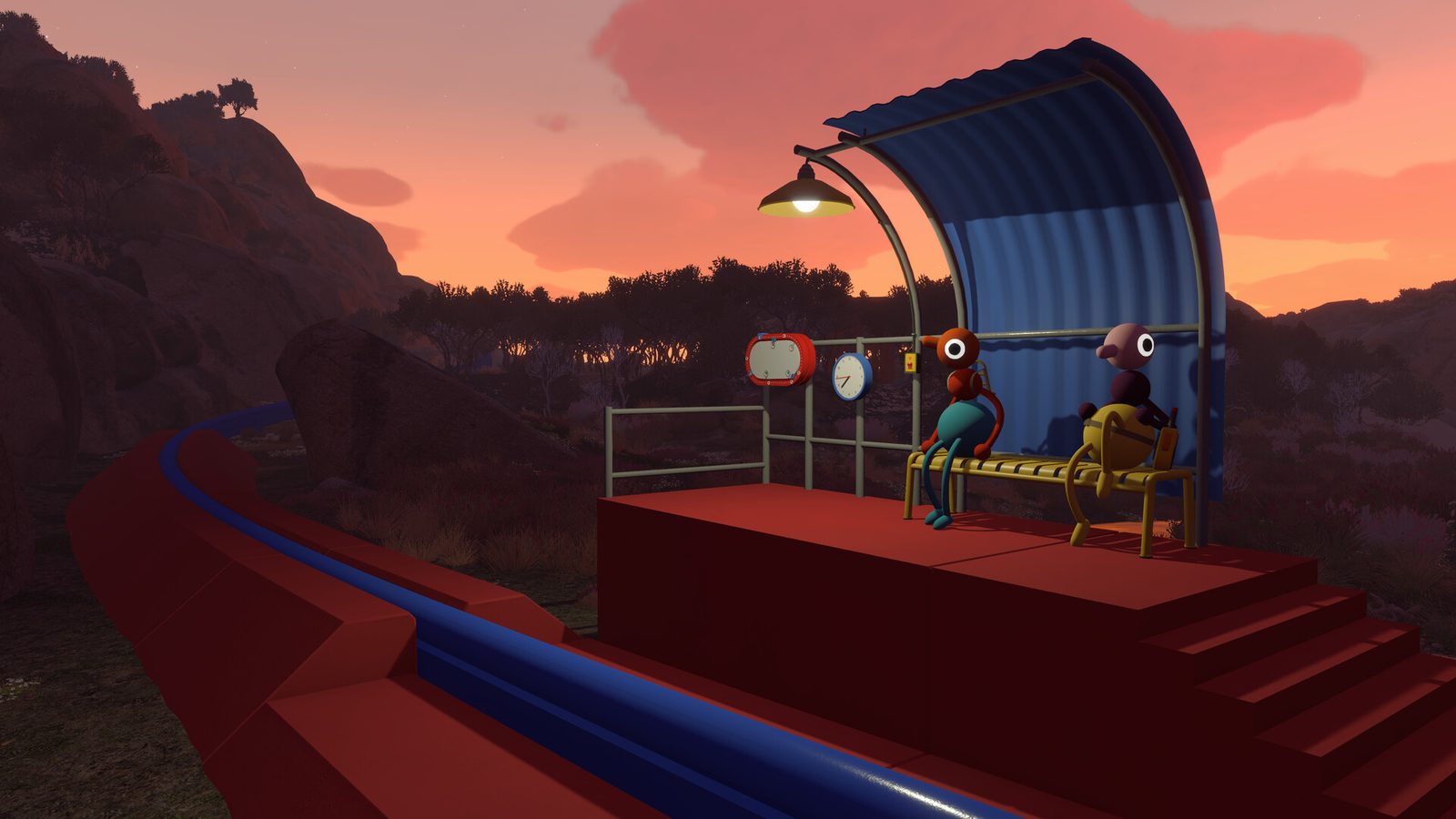
Big Walk tips for new players — every one of these comes from verified pages on this wiki, not guesswork. Big Walk is a cooperative online walking adventure from House House (creators of Untitled Goose Game), published by Panic, and it rewards parties that communicate.
Before you walk
- Pick a stable host. Saves are host-owned and follow the host, so the person with the most reliable connection should host. On PS5, online multiplayer needs PS Plus.
- Invite 2–12 players cross-platform. Join Codes work across Steam, Mac App Store, PS5 and Switch 2, so platform mix is not a problem.
- Start with four. Puzzles are authored around roughly four simultaneous solvers, and voice stays manageable. Twelve-player walks are great fun but need more coordination.
During the walk
- Voice first, tools second. Proximity voice and text chat are the core loop. Voices get quieter with distance and are muffled by the environment — that distance falloff is the game’s main puzzle mechanic.
- Assign informal roles. Big Walk has no classes, so parties naturally split into host, scout, solver, courier and voice lead. That division is what the game’s social toolkit is designed for.
- Carry a regroup kit. A flare is the universal regroup beacon — one per four players is a safe minimum. Signal flags and lasers cover silent, line-of-sight calls.
- Take a walkie-talkie. It carries voice and text across distance with crackle, which is essential when the party splits across valleys or into fog.
- Use the whiteboard for puzzles. Persistent written notation beats speech when a puzzle state must survive backtracking.
When you get stuck
- Puzzles reward communication, not walking. Locked gates, relay switches, line-of-sight riddles, timing sequences and multi-room trials all make sense when players share information in real time.
- Follow the verified route. The walkthrough documents a seven-stage route from the start through the southern highlands, the Peak, the Wall, the rivers and the terrain quartet — build-label order, verified for 1.0.
- Check the tier list. The party’s-eye ranking of tools tells you what to carry and what is optional fun.
Verification
This page compiles facts already verified on this wiki (walkthrough, getting-started, hosting, party-size, signaling-tools, controls, challenges). Each linked page lists its own evidence and verification date.